Your Windows PC, on your iPad.
Install it, scan one code, and use your PC from the couch.
Unofficial early release for Windows 10 and 11. Works with the normal Sill app from the App Store.
What you can do from the iPad
See it
Your whole screen, one window, or a second monitor.
Control it
Taps, trackpad, keyboard, and three- and four-finger gestures.
Open things
Your open windows and Start menu apps, right on the iPad.
Copy and paste
Text goes both ways between the iPad and the PC.
Stay private
No account and no server. The two talk directly, encrypted.
Get it running
Run the installer
Windows shows a blue warning because the program isn’t signed yet. Click More info, then Run anyway.
Open Sill on your iPad
Your PC shows up in the list by name. Tap it and the camera opens.
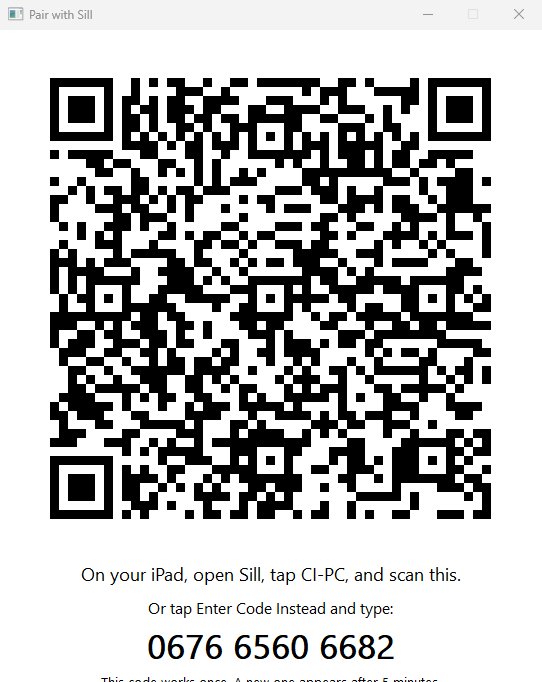
Scan the code
Point the iPad at the window on your PC. After that, one tap connects you.
Where this release stands
Tested
- Pairing, video and input with the real Sill app, on a simulated iPad using test video
- Clicks, typing, clipboard, windows and the installer on real Windows
Not tested yet
- Video from a real graphics chip, which is the big one
- Streaming one window or a second monitor
- A real iPad finding a PC over Wi-Fi
Sound isn’t in this download. Expect rough edges. If it fails, tell us on GitHub and attach Sill-log.txt from the program’s folder.
What you need
- Windows
- 10 or 11
- PC from
- 2016 or later
- iPad or iPhone
- iOS 17 or later
Your graphics chip has to make HEVC video: Intel 6th generation, NVIDIA GTX 950, AMD RX 400, or newer. Keep both on the same Wi-Fi.
Download Sill for Windows
Free and open source under the Apache 2.0 license.
- InstallerSets up the firewall for you. Start here.
- Single programNothing to install. Run it from any folder.
- Source codeOn GitHub, with every release.